
If user clicks ‘Compose’ on the left side menu, ‘Compose’ page will be opened, and he/she can compose a mail in several ways.
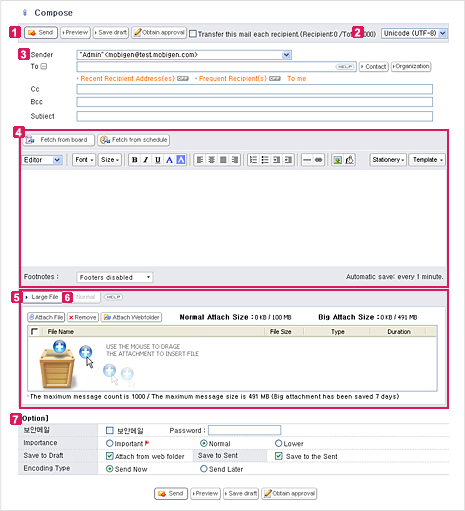
 Compose Menu
 Change Character Set
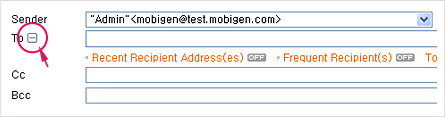
 Select sender and recipient

 Compose and Edit Content of Mail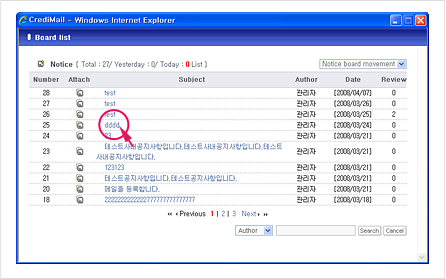
 Attach from Webfolder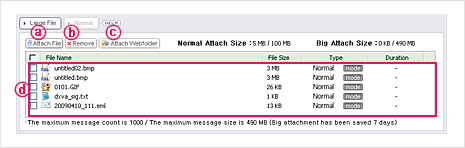
 Attach Small-sized Normal Files
 Additional Options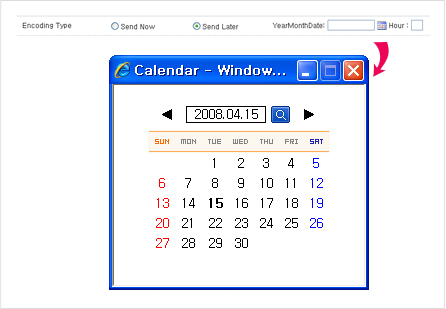
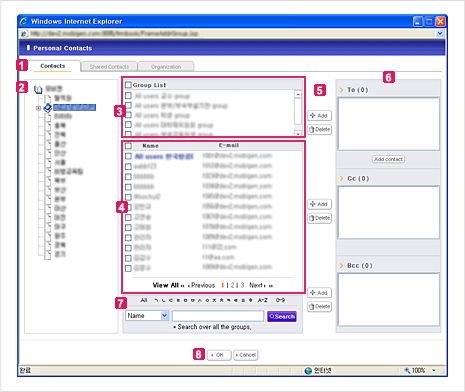
Contacts and Organization Menu User Group List Group List User List Add or Delete Button To, Cc, and Bcc Search Users Ok, Close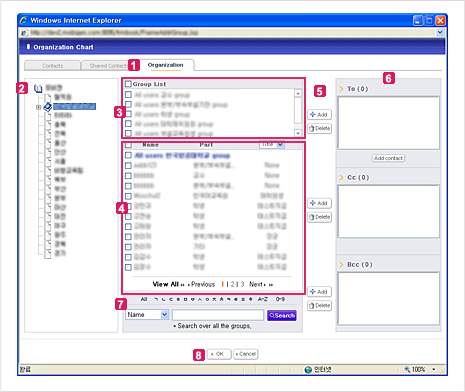
Contacts and Organization Menu User Group List Group List User List Add or Delete Button To, Cc, and Bcc Search Users Ok, Close